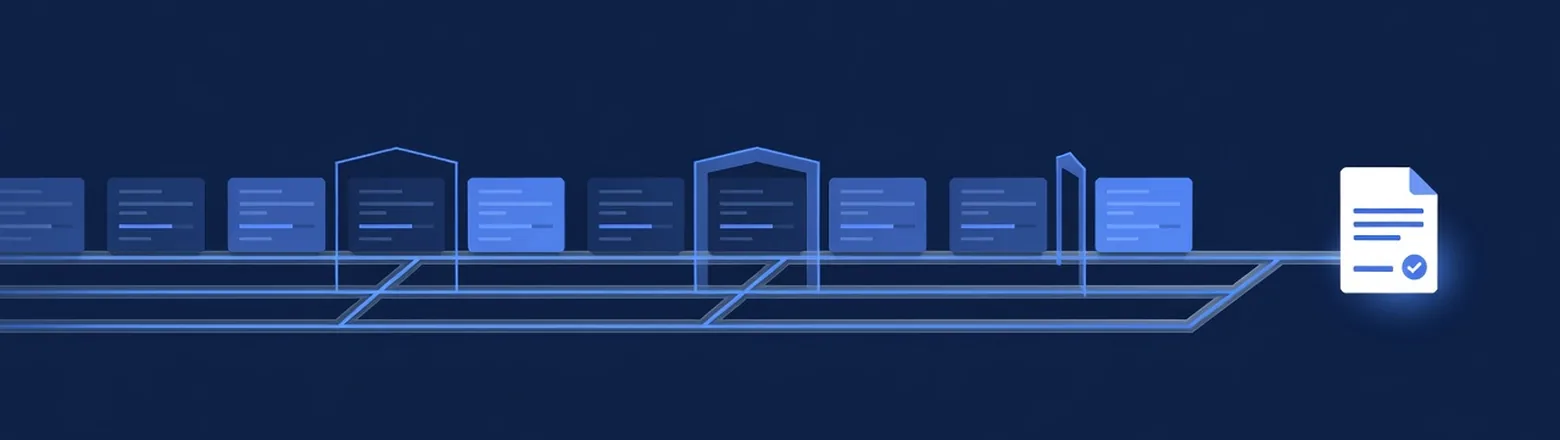
Legal intake software is designed to reduce the time between a new inquiry and your team's response. A CRM records what happened. Intake software also helps your team take the next step.
This comparison covers the three tools mid-size firms most often shortlist: Lawmatics, Law Ruler, and Clio Grow. Lead Docket, Captorra, and Litify are larger platforms built for dedicated intake departments. We compare those in law firm intake platforms.
What intake software needs to do at 5-10 attorneys
A useful intake tool needs to do more than store contacts. Check these four capabilities:
- Routing. It should assign new inquiries to the right person within minutes, based on case type, language, or availability. It should also escalate the lead when nobody acts.
- Automated sequences. It should send email and text follow-up on schedule without relying on someone to remember. This matters because long-cycle leads go quiet for months before signing.
- Pipeline visibility. It should report each stage by source and intake person. This is how you find the 2x difference between your best and worst converter.
- Signature-ready close. It should keep engagement letters and e-signatures in the same process, so a yes on the phone becomes a signed client while the prospect is ready.
The three tools
Lawmatics: strongest for automation
Lawmatics combines a legal CRM with marketing automation. It includes intake pipelines, email and SMS sequences, document automation, e-signatures, and analytics.
Its main strength is the automation builder. If your leads go cold between contact attempts, Lawmatics is the most direct fit of these three.
Lawmatics works alongside case management software; it does not replace it. It fits firms that already use Docketwise or Clio for matters and need a stronger intake system in front of it.
Lawmatics gives you flexibility, but someone has to configure and maintain it. Without a clear owner, you can end up with several half-built workflows. Assign that owner before you buy the subscription.
Law Ruler: strongest for phone-based intake
Law Ruler combines an intake CRM with automated follow-up, texting, and calling. Those communication tools are more central to Law Ruler than they are to the other two options.
If your intake is phone-heavy, as it is for most firms working purchased leads, Law Ruler keeps calling tools and lead status on one screen. Without that integration, you may need a separate dialer.
Law Ruler is also common in high-volume consumer practices. That can make it a good fit for immigration firms buying leads at scale. Like Lawmatics, it still needs a defined process to automate.
Clio Grow: the fit for firms already using Clio
Clio Grow is Clio's intake product. It includes forms, scheduling, pipeline stages, e-signatures, and a direct handoff to Clio's practice management system.
Clio Grow does not win by offering more features. Its main advantage is keeping everything with one vendor: one login, one support relationship, and intake data in the system your firm already uses.
For firms already on Clio, this usually makes it the best choice unless their intake volume or automation needs outgrow it. If your firm does not use Clio, there is little reason to start with Clio Grow.
Side by side
| Lawmatics | Law Ruler | Clio Grow | |
|---|---|---|---|
| Main strength | Marketing automation | Intake + calling | Clio ecosystem |
| Automated sequences | Strongest | Strong | Basic |
| Built-in calling/texting | Via integrations | Core | Limited |
| Reporting | Strong | Strong | Moderate |
| Standalone viability | Yes | Yes | Assumes Clio |
| API for lead delivery | Yes | Yes | Yes |
| Fits best when | Follow-up is the gap | Phone-heavy purchased leads | Firm already on Clio |
The software is only as good as the data it receives
Whatever tool you choose, it can only work with the information you put into it. We have seen three recurring issues among firms we deliver to:
Leads need to enter automatically. If an assistant has to copy a lead from an email, it may enter the pipeline hours late. The routing and first automated message are already late too. API delivery puts the lead into the system within a minute of the form submission. How leads reach your CRM explains how this works.
Sequences need screening data. A sequence can only use the fields it receives. A name and number can start only a generic sequence. Visa type, case stage, and language allow the system to start the specific sequence designed to convert that type of lead. Your lead provider has to supply that information; the software cannot create it.
The first five minutes still need a person. Automation can handle contacts two through twenty. The first contact is a phone call inside the five-minute window. Software can create the task, but your team still has to make the call.
If your intake software is ready but the lead information is not, you have a lead-source problem rather than a software problem.
From here:
- How leads reach your CRM explains how API delivery prevents hours-long response delays.
- Speed to lead for law firms makes the case for keeping the first five-minute call human.
- Law firm intake platforms is the next comparison when basic sequencing and reporting no longer suffice.
FAQ
Which product fits the current intake bottleneck?
Is a separate dialer needed with Law Ruler?
Who owns automations after launch?
Which fields support matter- and language-specific follow-up?
Which dashboard numbers demonstrate improved conversion?
Ready to grow your immigration practice?
Qualified, exclusive immigration leads: fixed price per lead, no retainers, no long-term contracts. Start with a 30-100 lead test batch.
GET STARTED